
Top 5 Tools for Keyboard Layout Analysis
[ Back to Mechanical Keyboards 101 ]Want to type faster and with less strain? Your keyboard layout might be the issue. Tools for keyboard layout analysis can help optimize your typing experience by reducing finger travel, improving efficiency, and minimizing strain. Whether you’re using QWERTY, Colemak, Dvorak, or a custom layout, these tools provide data-driven insights to fine-tune your setup.
Here are the top five tools for analyzing and improving your keyboard layout:
- Keyboard Layout Analyzer (KLA): A free, web-based tool for comparing layouts using heatmaps and finger usage stats.
- Carpalx: Focuses on reducing typing strain using advanced models and optimization techniques.
- Keyboard Layout Project: Uses mathematical formulas to evaluate typing effort and balance.
- Statistically Tailored Keyboard Layout: Analyzes real-world typing patterns for layout efficiency.
- Microsoft Keyboard Layout Creator (MSKLC): Allows you to design custom layouts directly for Windows.
Each tool offers unique features, from effort modeling to custom layout creation. The right choice depends on your needs, whether it’s ergonomic optimization, statistical analysis, or building a layout from scratch.
Quick Comparison
| Tool | Focus | Customization Options | Platform Support | Best For |
|---|---|---|---|---|
| Keyboard Layout Analyzer | Layout comparison | Moderate - scoring adjustments | Web-based (all OS) | Enthusiasts and researchers |
| Carpalx | Ergonomic optimization | Medium - predefined models | Linux, macOS, Windows | Reducing strain |
| Keyboard Layout Project | Mathematical modeling | High - algorithm tweaking | Windows, Linux | Advanced users |
| Statistically Tailored | Real-world typing analysis | High - corpus-based tuning | Cross-platform (Python) | Linguists, multilingual users |
| MSKLC | Layout creation | Very High - full remapping | Windows only | Custom layout designers |
These tools are essential for anyone who types regularly - writers, coders, or gamers. Pair them with a quality mechanical keyboard for even better results.
Tools & Tips For Learning A New Keyboard Layout (Or How To Type Faster!)
1. Keyboard Layout Analyzer (KLA)
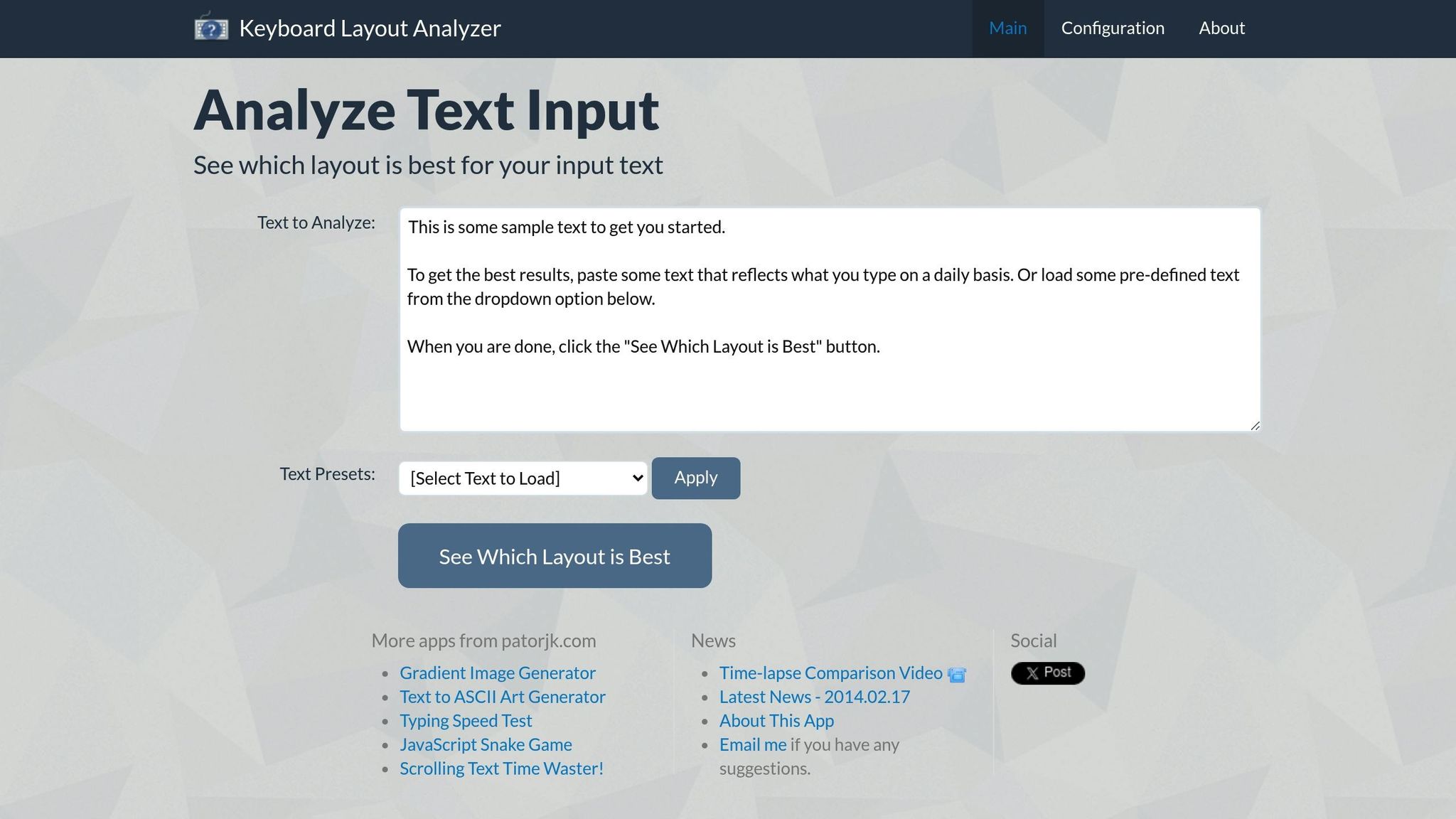
The Keyboard Layout Analyzer (KLA) is a free online tool designed to examine and compare keyboard layouts. It offers a straightforward platform for analyzing configurations, though its features are somewhat basic and limited in scope.
2. Carpalx
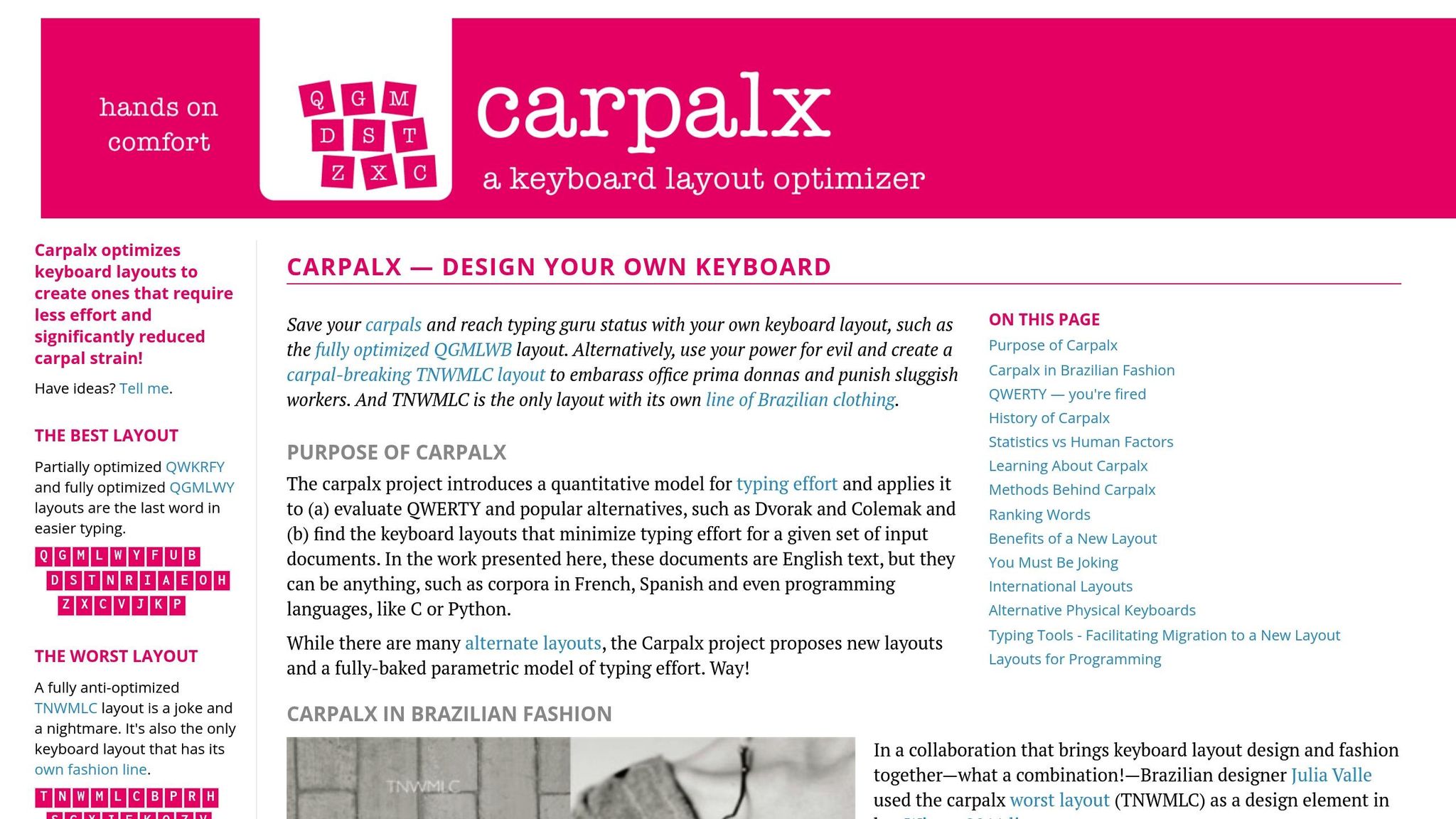
Carpalx is a keyboard layout optimizer designed to improve typing efficiency through a data-driven approach. Unlike simpler tools, it digs deep into the physical demands of typing, focusing on reducing strain with precise calculations.
Typing Effort Modeling
Carpalx uses a detailed model to measure key factors like finger movement, hand alternation, and repeated key presses by the same finger. By analyzing the effort required for each keystroke, it identifies inefficient key sequences. One standout feature is its use of simulated annealing - a process that swaps key positions step by step to achieve layouts that minimize typing effort. This method allows Carpalx to quantify typing strain while accommodating a variety of keyboard layouts.
Support for Custom and Popular Layouts
Carpalx doesn’t just analyze existing layouts like QWERTY, Dvorak, Colemak, and Arensito; it also allows users to create their own custom configurations. Every layout - whether standard or custom - goes through the same rigorous evaluation process. For instance, Carpalx has developed optimized layouts such as QGMLWB (a fully optimized layout) and QWKRFY (a partially optimized layout with five key swaps).
Visualization Tools
To make its data accessible, Carpalx includes visualization features like heatmaps and finger usage statistics. These tools highlight overworked keys and help users see how workload is distributed across their fingers. This visual feedback makes it easier to understand the ergonomic advantages of optimized layouts.
Compatibility with US Keyboard Formats
Carpalx works seamlessly with ANSI keyboard formats, making its recommendations practical for most users in the United States. It also supports split keyboards, adjusting its calculations to account for the unique hand positioning and key accessibility these designs require.
3. Keyboard Layout Project (Mathematical Multicore)
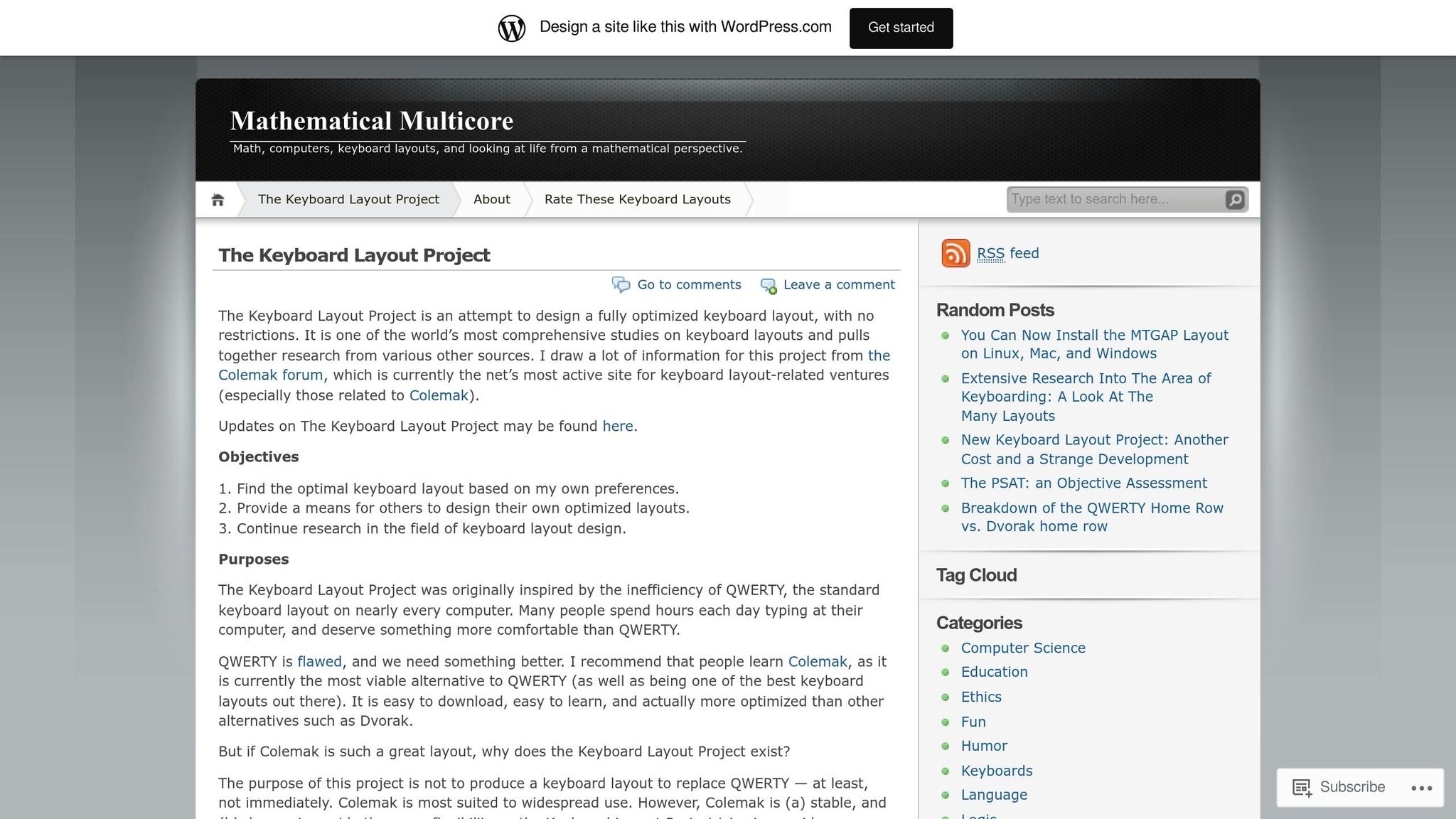
The Keyboard Layout Project takes a precise, formula-driven approach to evaluate typing efficiency, setting it apart from simulation-based methods. By relying on strict computational formulas, it delivers accurate assessments of typing effort and balance.
Typing Effort Analysis
This system calculates typing effort by measuring finger travel distances and the frequency of hand alternation. Using mathematical models, it determines how much each finger moves and how often typing shifts between hands, providing a detailed picture of the physical demands on the typist.
Support for Various Layouts
Thanks to its analytical foundation, the project accommodates standard layouts like QWERTY, Colemak, and Dvorak, as well as custom configurations. This flexibility ensures it can adapt to a wide range of user preferences and needs.
Visual Insights
The tool also creates heatmaps and bar charts that display finger usage and workload distribution. These visuals make it easy to spot imbalances and identify areas where adjustments could improve typing efficiency.
sbb-itb-3cb9615
4. Statistically Tailored Keyboard Layout
The Statistically Tailored Keyboard Layout tool leverages data analysis to evaluate how efficiently a keyboard layout performs. By assessing factors like finger movement and hand alternation, it identifies areas where layouts could be optimized. Let’s break down its standout features.
Typing Effort Analysis
This tool calculates how much effort typing takes by examining the movement required for frequently used letter combinations. It also tracks how often your hands alternate during typical typing, offering insights into the fluidity of the layout.
Compatibility with Standard and Custom Layouts
Whether you’re using a standard layout like QWERTY, Colemak, or Dvorak - or a custom design - this tool applies the same statistical methods to evaluate them. A side-by-side comparison feature makes it easy to see which layout aligns best with your typing style.
Interactive Visualizations
The tool doesn’t just analyze - it shows you the data. Heatmaps highlight how intensely each finger is used, while dynamic charts provide detailed breakdowns of finger activity. These visuals make it easier to pinpoint areas that could use improvement.
5. Microsoft Keyboard Layout Creator
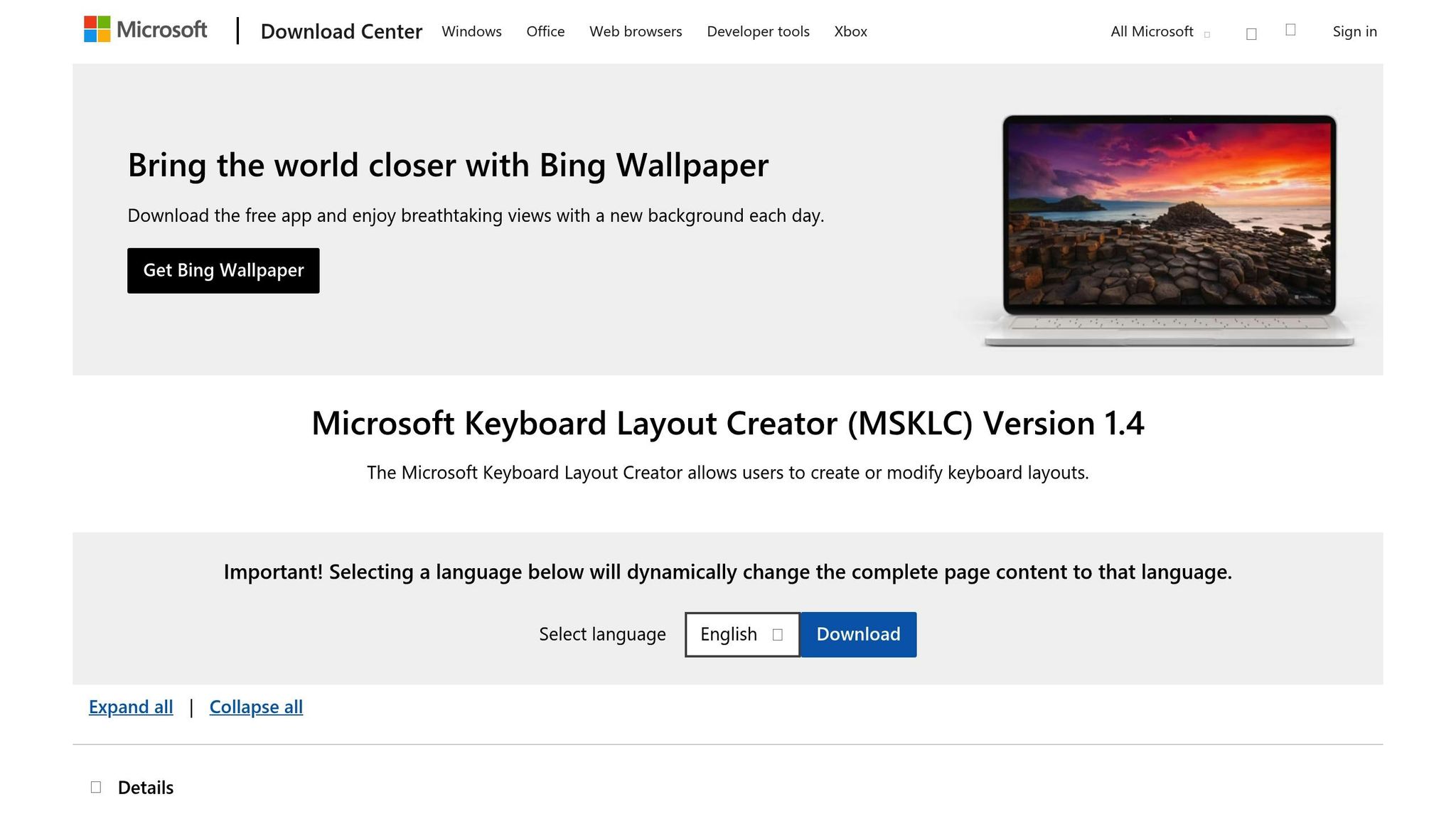
For those looking to create custom keyboard layouts from scratch, the Microsoft Keyboard Layout Creator (MSKLC) is a handy tool developed by Microsoft. It’s designed specifically for Windows users and provides an intuitive interface for mapping keys, previewing layouts, and integrating them directly into the Windows system.
Unlike tools focused on analyzing or optimizing layouts through algorithms and statistics, MSKLC puts the control in your hands, letting you design and implement layouts tailored to your needs - whether you're a casual user or a professional with specific requirements.
Tool Comparison Chart
Choose the right tool for your needs by considering your technical expertise, preferred platform, and the features you require.
| Tool | Primary Focus | Customization Options | Visualization | Platform Support | Best For |
|---|---|---|---|---|---|
| Keyboard Layout Analyzer (KLA) | Statistical optimization | High – custom scoring algorithms, adjustable parameters | Heat maps, detailed statistics, finger usage charts | Web-based (all platforms) | Researchers and enthusiasts seeking in-depth analysis |
| Carpalx | Ergonomic optimization | Medium – predefined models with some parameter adjustment | Statistical output, effort calculations | Linux, macOS, Windows | Users aiming to reduce typing strain |
| Keyboard Layout Project | Mathematical modeling | Very High – full algorithm customization, multicore processing | Advanced visualizations, optimization graphs | Windows, Linux | Advanced users and researchers |
| Statistically Tailored Keyboard Layout | Corpus-based optimization | High – custom text corpus input, language-specific tuning | Statistical reports, comparative analysis | Cross-platform (Python-based) | Linguists and multilingual users |
| Microsoft Keyboard Layout Creator | Layout creation & implementation | Very High – complete key remapping, dead key support | Visual layout editor, preview mode | Windows only | Windows users designing custom layouts |
This chart highlights the strengths of each tool, making it easier to find one that suits your goals for keyboard layout design.
Some tools, like KLA, are web-based and work across platforms, offering flexibility. Others, such as Microsoft Keyboard Layout Creator (MSKLC), are limited to Windows but provide robust customization options. Python-based tools, like Statistically Tailored Keyboard Layout, require extra setup but are versatile for cross-platform use. The level of customization also varies - while advanced users can tweak algorithms or input custom data, casual users may prefer tools with straightforward presets. Select a tool that aligns with your technical skills and the level of detail you need.
Conclusion
Maximizing your keyboard’s performance starts with the right combination of analysis tools and well-suited hardware.
The five tools mentioned here are must-haves for any keyboard enthusiast. Together, they cover everything from analyzing your typing habits to fine-tuning layouts for better ergonomics and usability.
To put your optimized layouts to the test, consider KeebsForAll's hot-swappable keyboards from the Freebird Collection. Pair them with KeebsForAll blank keycaps to challenge your muscle memory by removing visual aids. With their premium switches and components, you can refine not just the layout but also the tactile experience of your keyboard.
Whether your goal is improving typing efficiency or reducing strain, combining these tools with high-quality hardware takes your keyboard design process from trial-and-error to a precise, intentional craft.
FAQs
What should I consider when choosing a keyboard layout analysis tool?
When choosing a keyboard layout analysis tool, it's important to consider what you need it for and what you hope to achieve. Start by ensuring the tool works with your current keyboard layout and offers in-depth analysis features. Ease of use is another key factor - nobody wants to struggle with a complicated interface. If you're exploring various layouts, customization options and support for multiple configurations can be a big plus.
Look for tools that present data in clear visual formats and provide actionable insights to help you fine-tune your setup. It's also a good idea to check out user reviews or feedback from the keyboard enthusiast community. This can give you a better sense of how reliable and effective the tool is for real-world use.
What are the main advantages of using a custom keyboard layout instead of QWERTY?
Using a custom keyboard layout comes with some clear perks compared to sticking with standard options like QWERTY. For starters, it can make typing more efficient by rearranging keys in a way that minimizes finger movement. Less strain on your hands means a more comfortable and ergonomic experience, which is a big deal if you spend hours typing every day.
Another big win? You can customize your keyboard to match your personal needs. Whether you're setting up shortcuts for programming, creating a layout for gaming, or fine-tuning it for creative software, a tailored setup can streamline your workflow. This not only helps you get more done but also makes typing feel smoother and more intuitive.
Can keyboard layout analysis tools help improve typing comfort and speed?
Yes, these tools are built to make typing more comfortable and efficient. By analyzing how you type and adjusting keyboard layouts accordingly, they can help ease the strain on your hands and wrists while boosting your typing speed. Tailoring a layout to fit your unique typing habits can significantly improve both comfort and productivity.